Comparison Table for Breakdance
A feature comparison with up to five columns, section headings and a highlighted column. It stays readable on small screens through a scroll region and a sticky feature column.
| Feature | Best value Us From $99 | Competitor A From $129 | Competitor B From $89 |
|---|---|---|---|
| Service | |||
| Free written quote | |||
| Same-week scheduling | |||
| Licensed & insured | |||
| Support | |||
| Workmanship warrantyWritten and transferable | 5 years | 1 year | none |
| Direct line to the owner | |||
This is the real element, running with its sample content.
Each column has a name, subtitle or price, badge, button and a switch to highlight it.
Add feature rows with a hint line underneath, mark any row as a section heading, or highlight one.
The table scrolls sideways on small screens, and the feature column can stay pinned.
On desktop the header can stick while the table scrolls. Set the offset from the top.
Add it to your page in 3 steps
Open your page in Breakdance
In WordPress, go to Pages, hover over your page and click Edit with Breakdance.
Open the element panel
Click the plus button at the top left, then open the BreakUI Pro group and find Comparison Table.
Drag it into your layout
Drop it into a section or container. It loads with sample content so you can see it working right away.
What it looks like in the editor
Real screenshots from the Breakdance editor. Select the element, then use the Content tab for your data and the Design tab for the look.
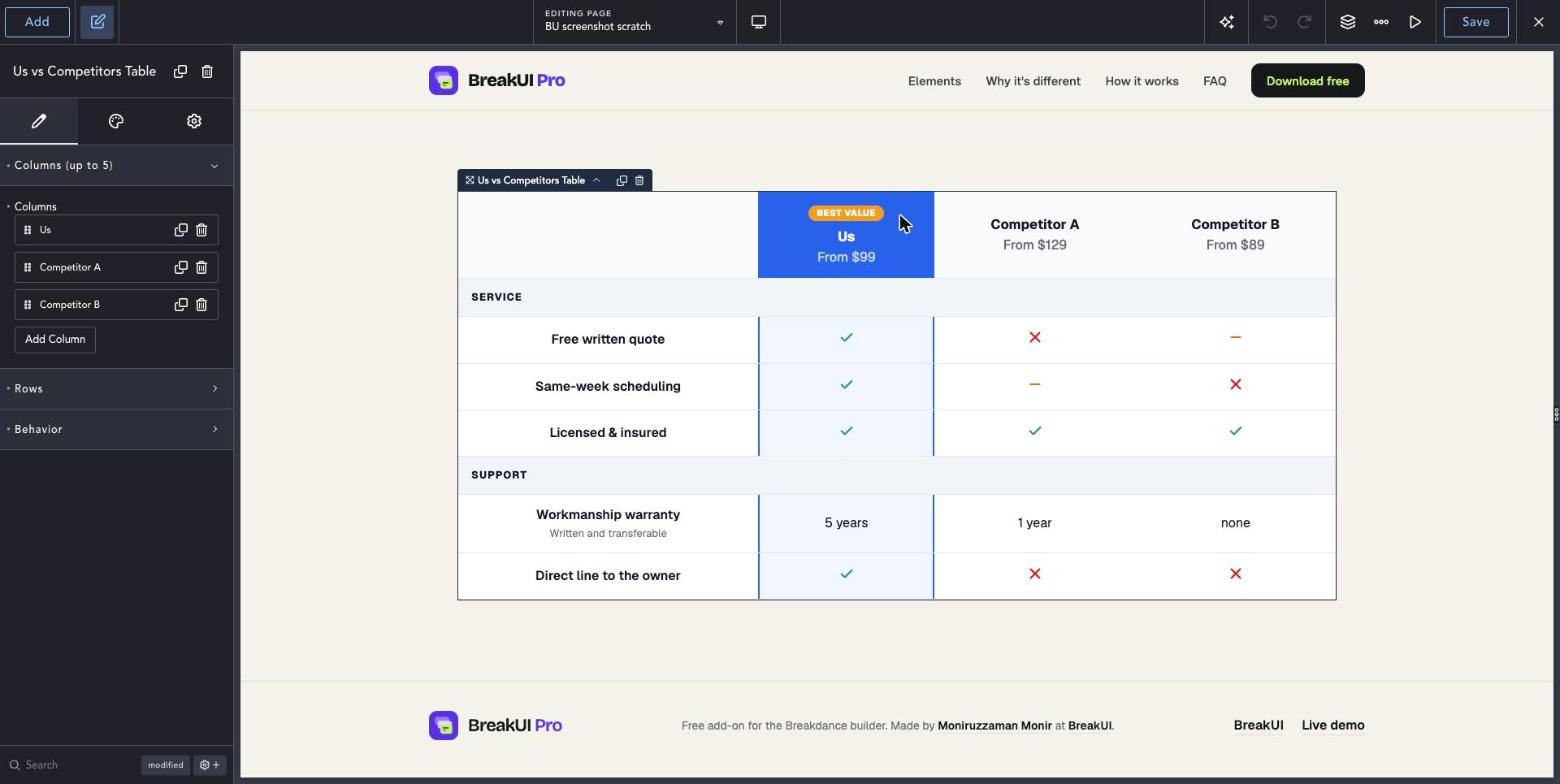
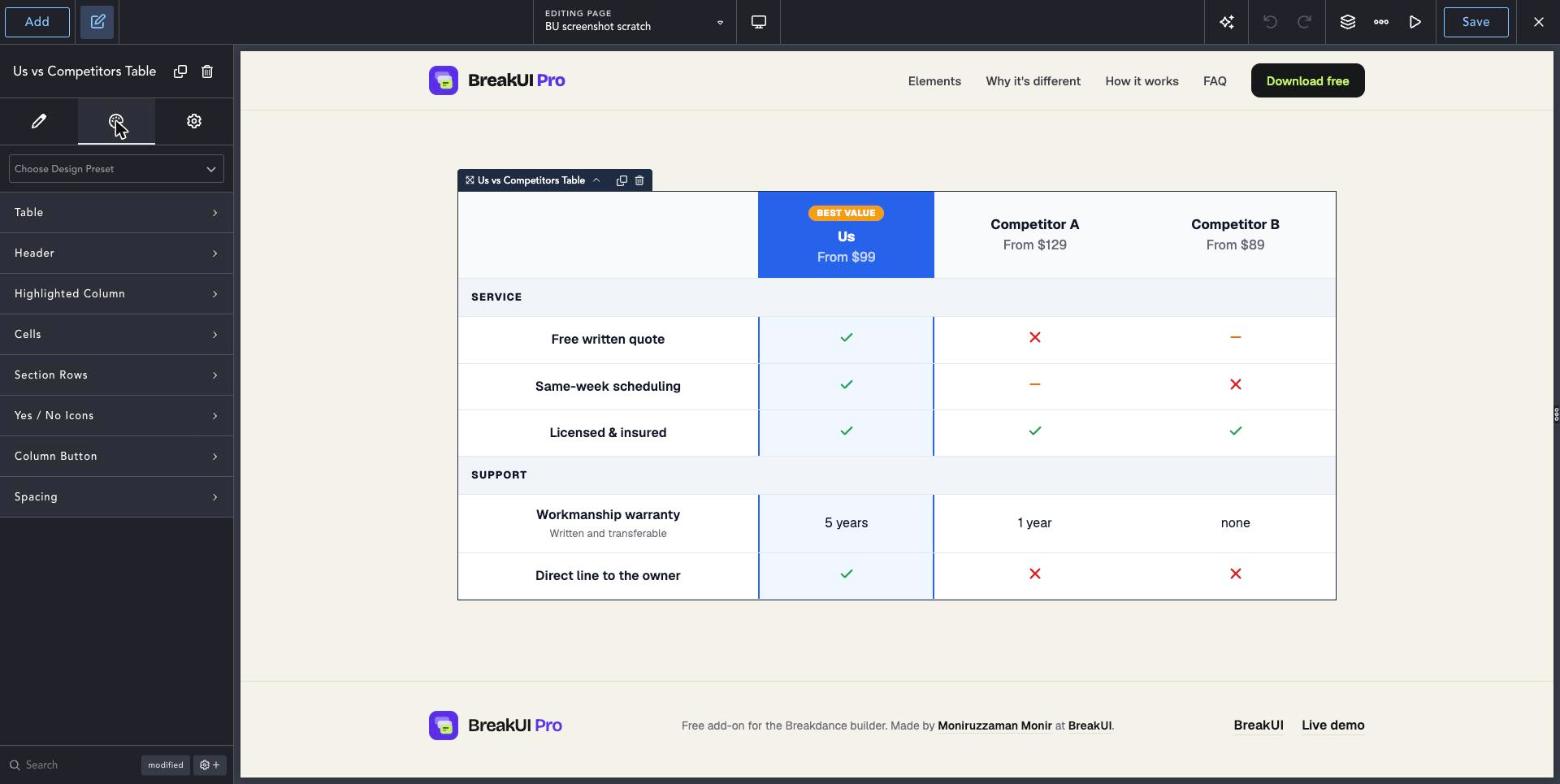
The main settings
Select the element in Breakdance. Everything lives in two tabs.
Your text, items, links and behavior. Change the sample content and you are done.
Colors, typography, borders, spacing and layout, with the normal Breakdance controls.
Set the width in percent, pixels, em, rem, vw or vh, plus max width, min width and alignment.
Style it your way
The Design tab has these groups. Everything uses the normal Breakdance design controls.
On small screens the table scrolls sideways. Set Min Width in Design to control when.
Use section rows to keep long tables readable.