Service Areas Grid for Breakdance
Show the places you serve as cards, and let visitors check their ZIP or postcode. It can also output areaServed schema for your business.
-
Main hub Oakville Same-day service
-
Riverside Free estimates
-
Fairview Next-day service
-
Lakeside Free estimates
-
Hillcrest Weekend appointments
-
Brookfield Free estimates
This is the real element, running with its sample content.
Each area has a name, description, image and badge. Choose a card style.
Visitors type their code and matching areas are highlighted. Areas can also work by radius with a Use my location button.
Optionally outputs JSON-LD with areaServed from your areas, plus the business name, type, website and phone.
Set the text shown when nothing matches the visitor's search.
Add it to your page in 3 steps
Open your page in Breakdance
In WordPress, go to Pages, hover over your page and click Edit with Breakdance.
Open the element panel
Click the plus button at the top left, then open the BreakUI Pro group and find Service Areas Grid.
Drag it into your layout
Drop it into a section or container. It loads with sample content so you can see it working right away.
What it looks like in the editor
Real screenshots from the Breakdance editor. Select the element, then use the Content tab for your data and the Design tab for the look.
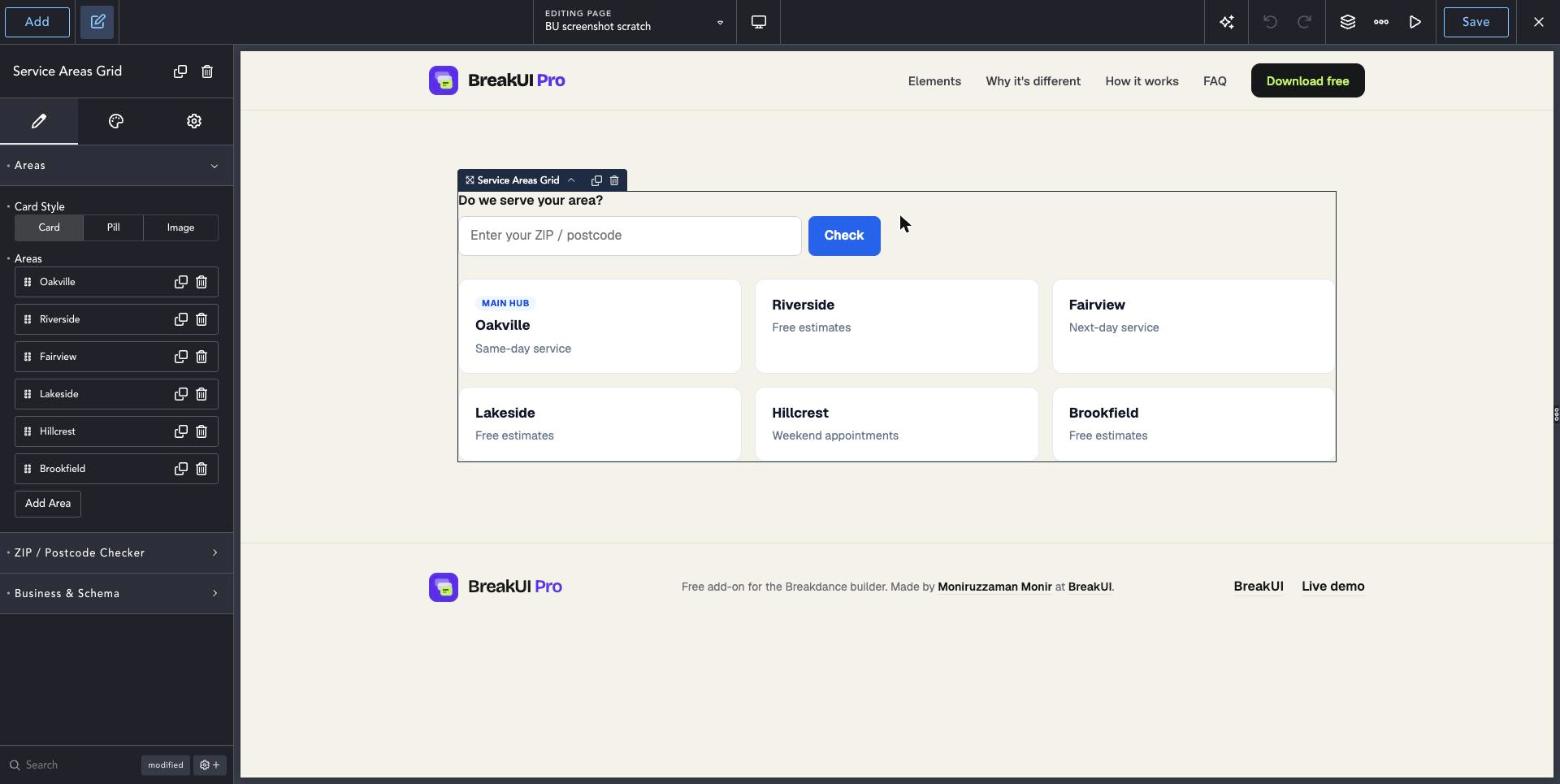
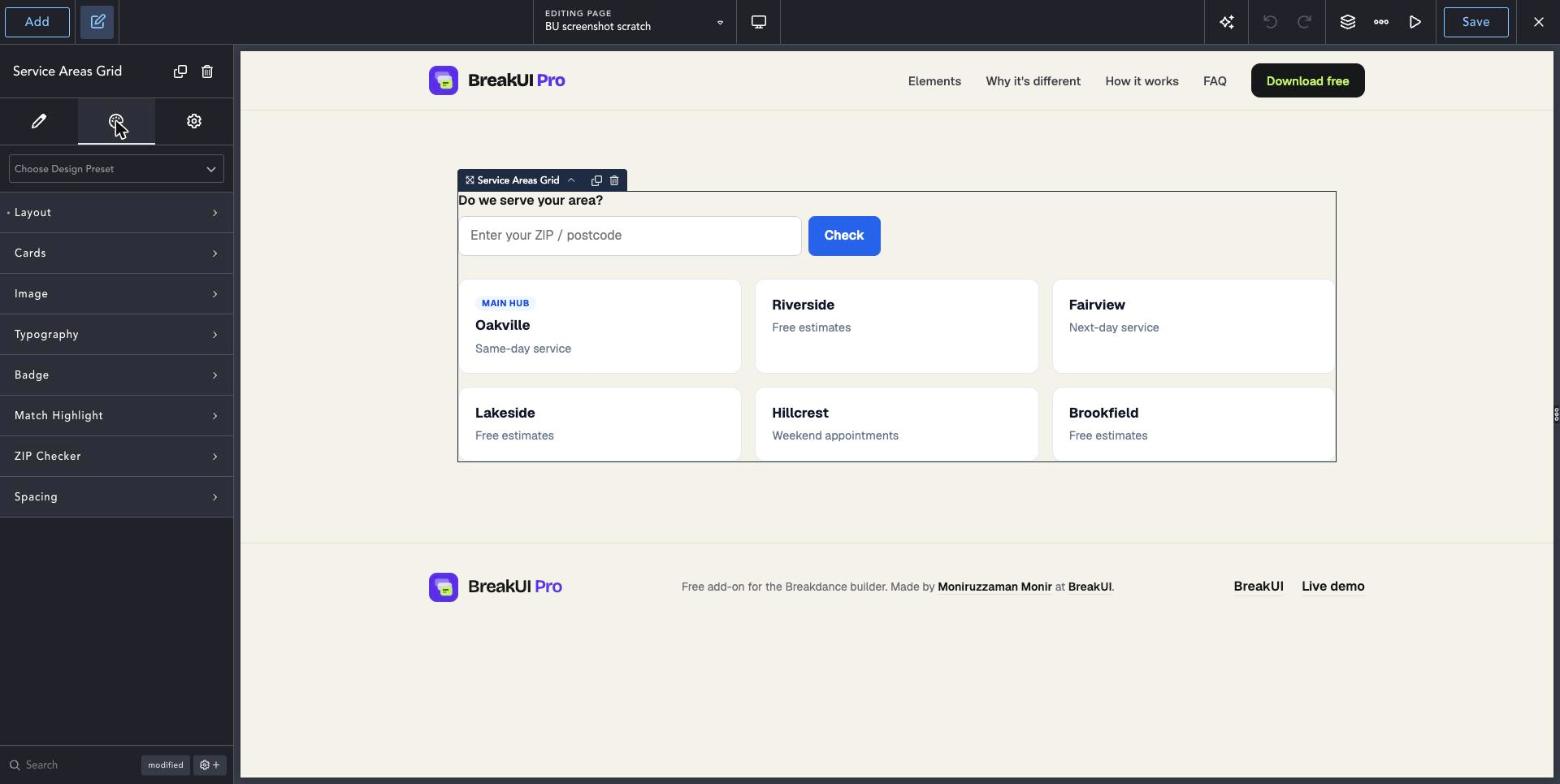
The main settings
Select the element in Breakdance. Everything lives in two tabs.
Your text, items, links and behavior. Change the sample content and you are done.
Colors, typography, borders, spacing and layout, with the normal Breakdance controls.
Set the width in percent, pixels, em, rem, vw or vh, plus max width, min width and alignment.
See it in action
Real renders of the element with different settings.
-
Main hub Oakville Same-day service
-
Riverside Free estimates
-
Fairview Next-day service
-
Lakeside Free estimates
-
Hillcrest Weekend appointments
-
Brookfield Free estimates
Pill style
Style it your way
The Design tab has these groups. Everything uses the normal Breakdance design controls.
Write ZIP codes separated by commas. The match highlight color is in the Design tab.
Add a friendly empty-state text for when nothing matches.