Syntax Code Highlighter for Breakdance
A code block with syntax highlighting, line numbers and a copy button. Show code in tutorials and docs without another plugin.
<?php
// Add a custom class to the body element.
add_filter( 'body_class', function ( $classes ) {
	$classes[] = 'has-breakui';
	return $classes;
} );
This is the real element, running with its sample content.
Pick a language and a theme. Highlighting runs with Prism, bundled in the plugin.
Number the lines, start at any number and highlight lines such as 1,3-5.
Visitors copy the code with one click.
A filename header bar, long line wrapping and a max height that scrolls.
Add it to your page in 3 steps
Open your page in Breakdance
In WordPress, go to Pages, hover over your page and click Edit with Breakdance.
Open the element panel
Click the plus button at the top left, then open the BreakUI Pro group and find Syntax Code Highlighter.
Drag it into your layout
Drop it into a section or container. It loads with sample content so you can see it working right away.
What it looks like in the editor
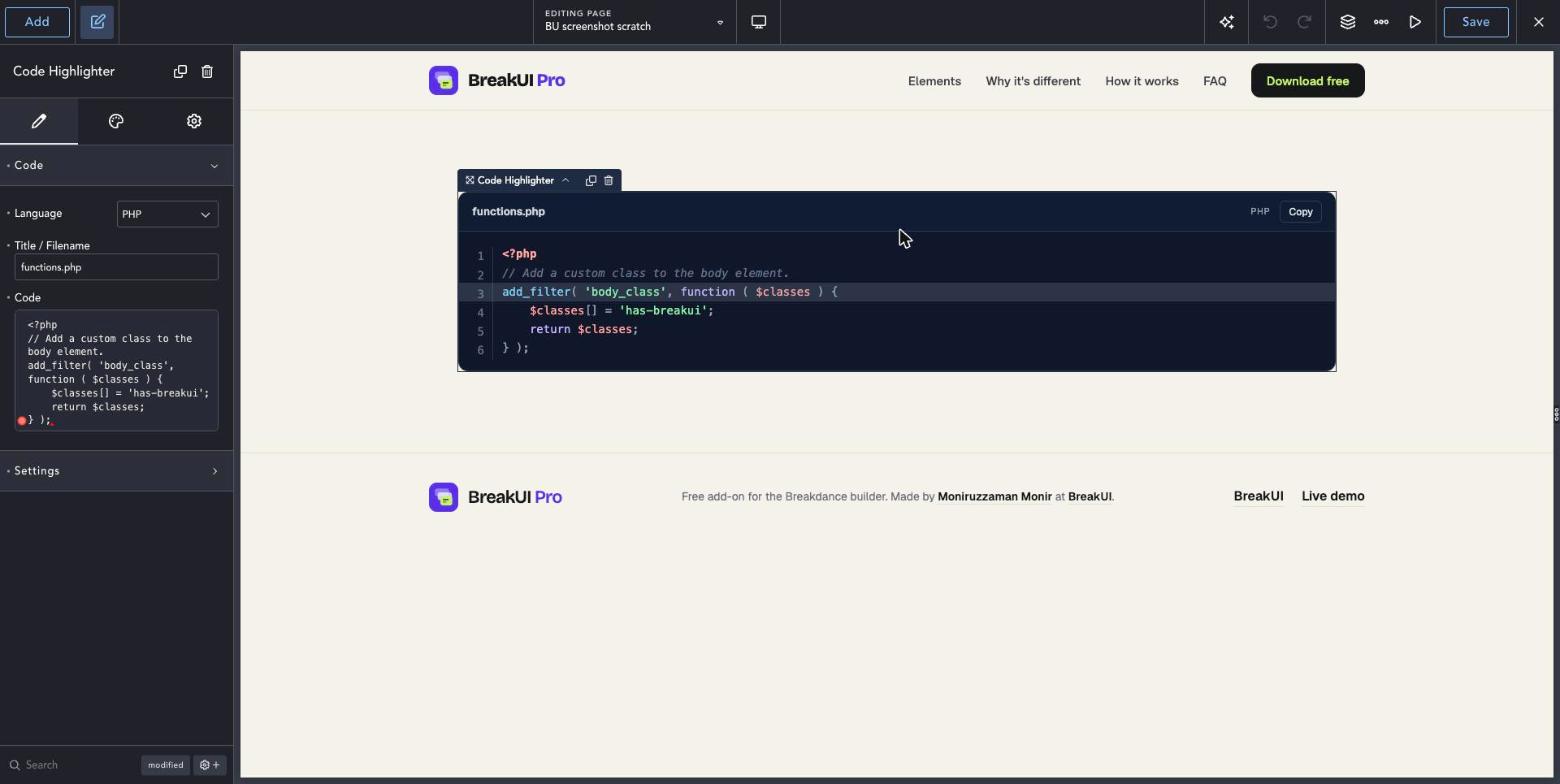
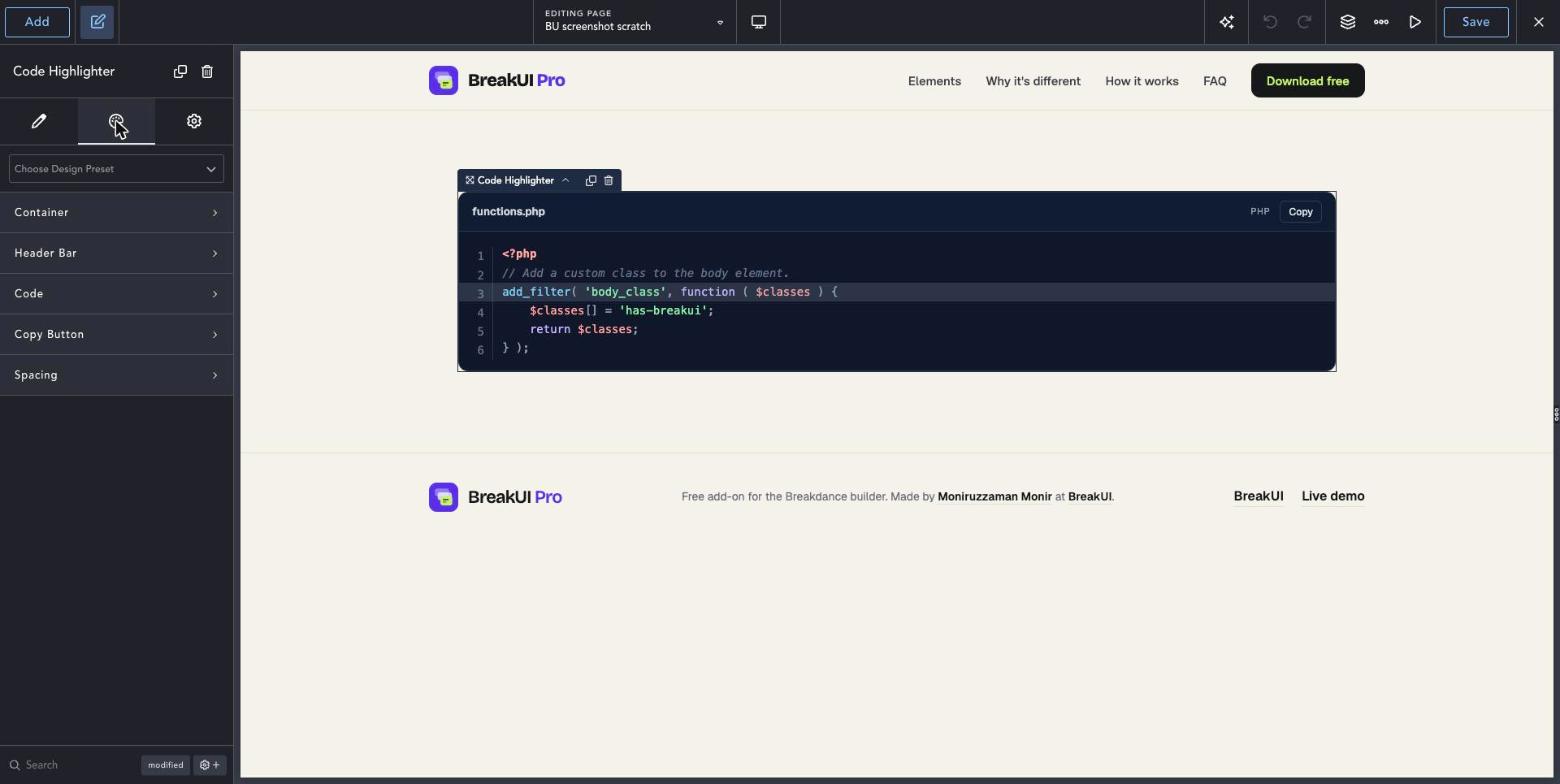
Real screenshots from the Breakdance editor. Select the element, then use the Content tab for your data and the Design tab for the look.
The main settings
Select the element in Breakdance. Everything lives in two tabs.
Your text, items, links and behavior. Change the sample content and you are done.
Colors, typography, borders, spacing and layout, with the normal Breakdance controls.
Set the width in percent, pixels, em, rem, vw or vh, plus max width, min width and alignment.
Style it your way
The Design tab has these groups. Everything uses the normal Breakdance design controls.
The copy button copies exactly what is in the code field.
Set a max height so long snippets do not push your layout down.