Business Hours Live for Breakdance
Opening hours that know whether you are open right now. It handles holidays, temporary closures and overnight shifts, and it can output opening hours schema.
- Monday 09:00 – 17:00
- Tuesday 09:00 – 17:00
- Wednesday 09:00 – 17:00
- Thursday 09:00 – 17:00
- Friday 09:00 – 17:00
- Saturday 10:00 – 14:00
- Sunday Closed
This is the real element, running with its sample content.
A status badge reads open, closing soon or closed, using your business timezone, not the visitor's.
Add one-off dates or a date range, each with its own label, and they override the normal hours.
Today's row is highlighted automatically, with colors you set.
Optionally outputs openingHoursSpecification JSON-LD so search engines see the same hours.
Add it to your page in 3 steps
Open your page in Breakdance
In WordPress, go to Pages, hover over your page and click Edit with Breakdance.
Open the element panel
Click the plus button at the top left, then open the BreakUI Pro group and find Business Hours Live.
Drag it into your layout
Drop it into a section or container. It loads with sample content so you can see it working right away.
What it looks like in the editor
Real screenshots from the Breakdance editor. Select the element, then use the Content tab for your data and the Design tab for the look.
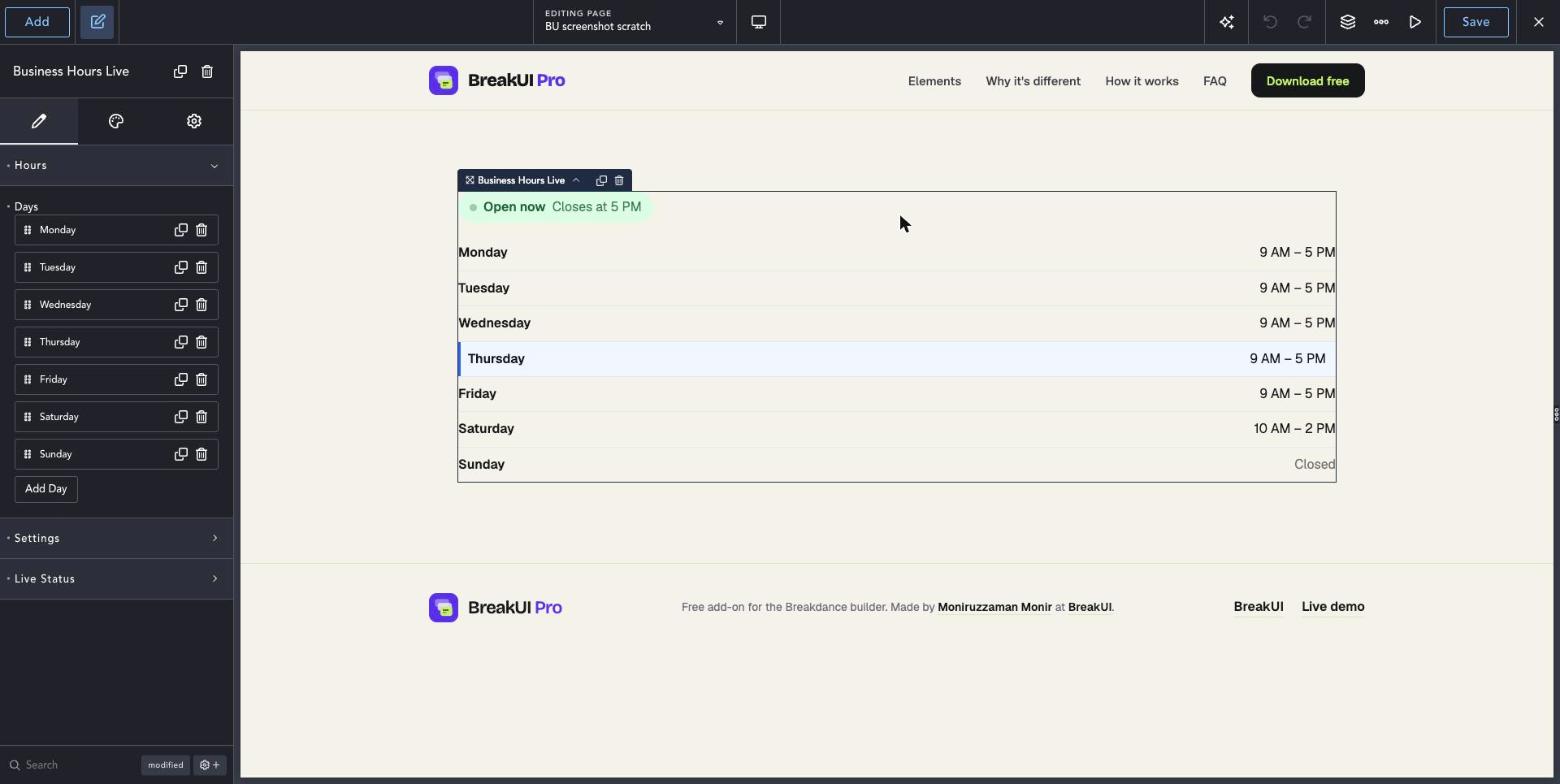

The main settings
Select the element in Breakdance. Everything lives in two tabs.
Your text, items, links and behavior. Change the sample content and you are done.
Colors, typography, borders, spacing and layout, with the normal Breakdance controls.
Set the width in percent, pixels, em, rem, vw or vh, plus max width, min width and alignment.
Style it your way
The Design tab has these groups. Everything uses the normal Breakdance design controls.
Overnight shifts work. Set the closing time earlier than the opening time.
Today's row is highlighted automatically. Style it in the Design tab.