Radar Chart for Breakdance
A radar chart that compares several datasets across the same set of axes.
Results overview
| Us | Competitor | |
|---|---|---|
| Speed | 9 | 6 |
| Quality | 9 | 7 |
| Price | 7 | 8 |
| Support | 10 | 5 |
| Reliability | 9 | 6 |
| Design | 8 | 7 |
This is the real element, running with its sample content.
Draw multiple series on one radar, each with its own color.
Fill each shape, and set point size and line width.
Set the scale of the axes or let it be automatic.
Same labels, values and number format controls as the other charts.
Add it to your page in 3 steps
Open your page in Breakdance
In WordPress, go to Pages, hover over your page and click Edit with Breakdance.
Open the element panel
Click the plus button at the top left, then open the BreakUI Pro group and find Radar Chart.
Drag it into your layout
Drop it into a section or container. It loads with sample content so you can see it working right away.
What it looks like in the editor
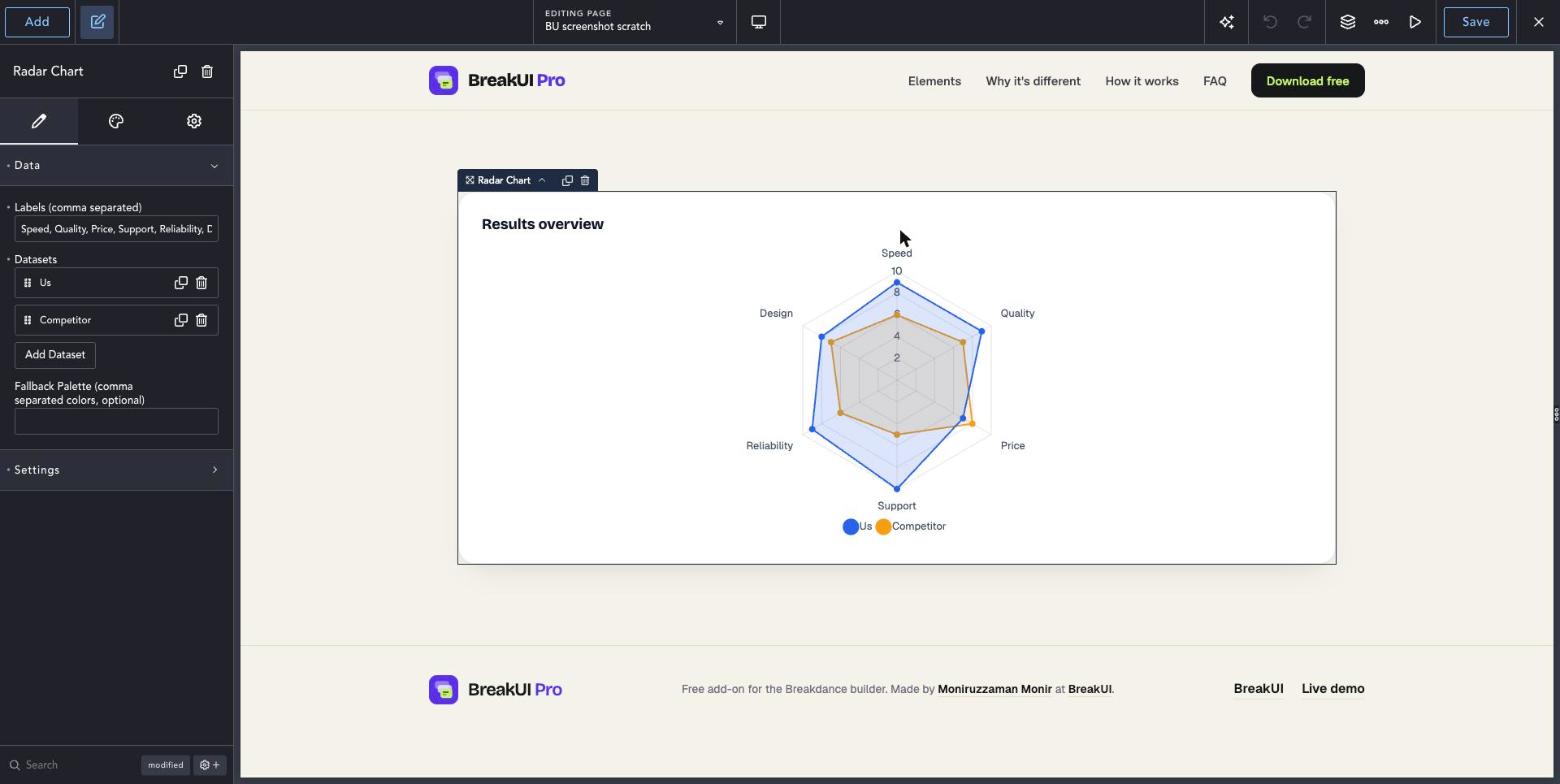
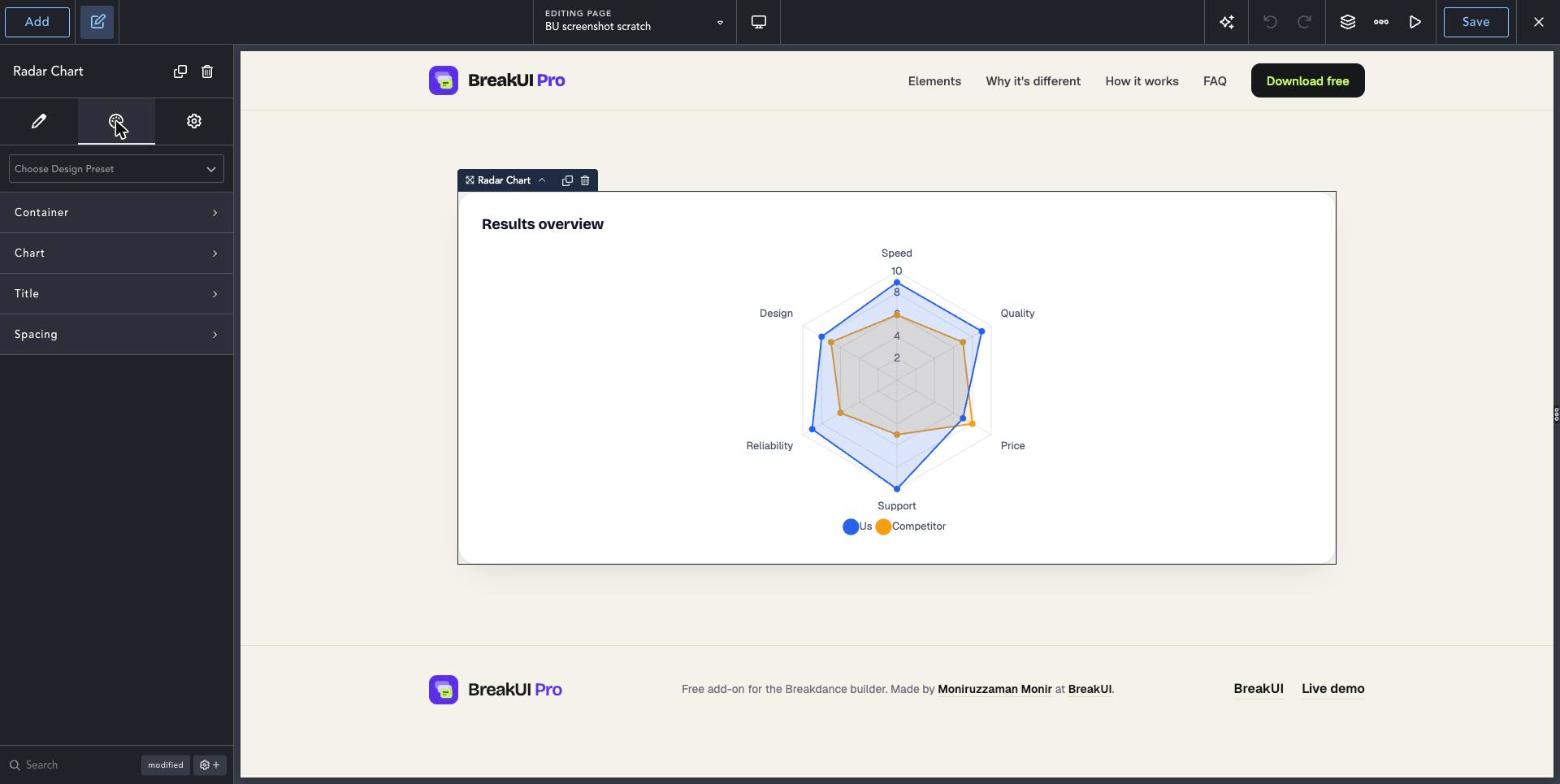
Real screenshots from the Breakdance editor. Select the element, then use the Content tab for your data and the Design tab for the look.
The main settings
Select the element in Breakdance. Everything lives in two tabs.
Your text, items, links and behavior. Change the sample content and you are done.
Colors, typography, borders, spacing and layout, with the normal Breakdance controls.
Set the width in percent, pixels, em, rem, vw or vh, plus max width, min width and alignment.
See it in action
Real renders of the element with different settings.
Results overview
| Us | Competitor | |
|---|---|---|
| Speed | 9 | 6 |
| Quality | 9 | 7 |
| Price | 7 | 8 |
| Support | 10 | 5 |
| Reliability | 9 | 6 |
| Design | 8 | 7 |
Fill off
Style it your way
The Design tab has these groups. Everything uses the normal Breakdance design controls.
Use the same scale across datasets so shapes compare fairly.
Three to six axes read best.