Pie & Doughnut Chart for Breakdance
A pie or doughnut chart with center text. Turn it into a half-circle gauge when you need one.
Results overview
| Label | Value |
|---|---|
| Roofing | 40 |
| Siding | 25 |
| Gutters | 20 |
| Repairs | 15 |
This is the real element, running with its sample content.
Pick the style, then set the hole size and the text in the center.
One switch turns the chart into a half circle.
Set slice border width and a hover pop-out distance.
Position the legend, and move a side legend below on small screens.
Add it to your page in 3 steps
Open your page in Breakdance
In WordPress, go to Pages, hover over your page and click Edit with Breakdance.
Open the element panel
Click the plus button at the top left, then open the BreakUI Pro group and find Pie & Doughnut Chart.
Drag it into your layout
Drop it into a section or container. It loads with sample content so you can see it working right away.
What it looks like in the editor
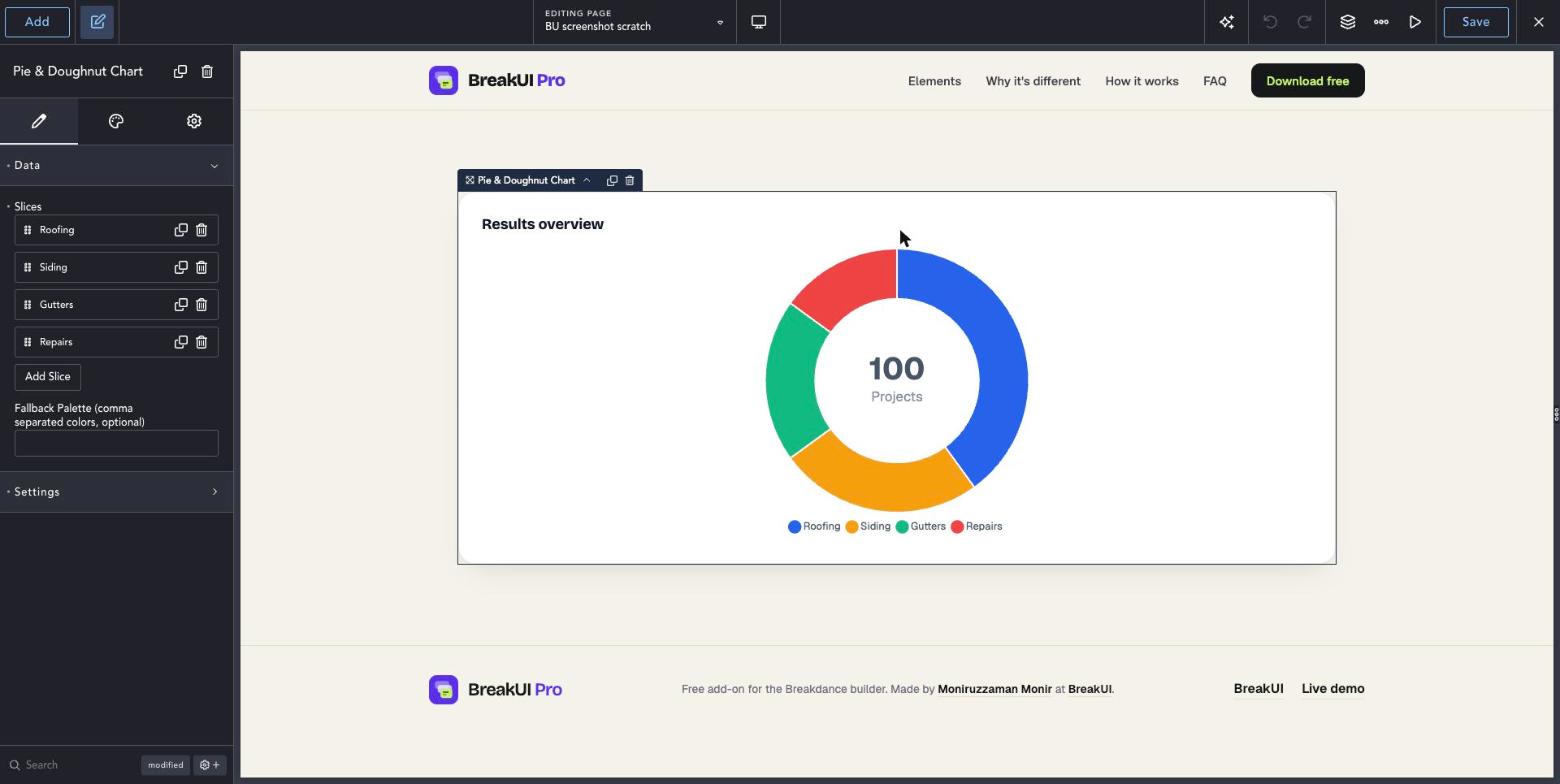
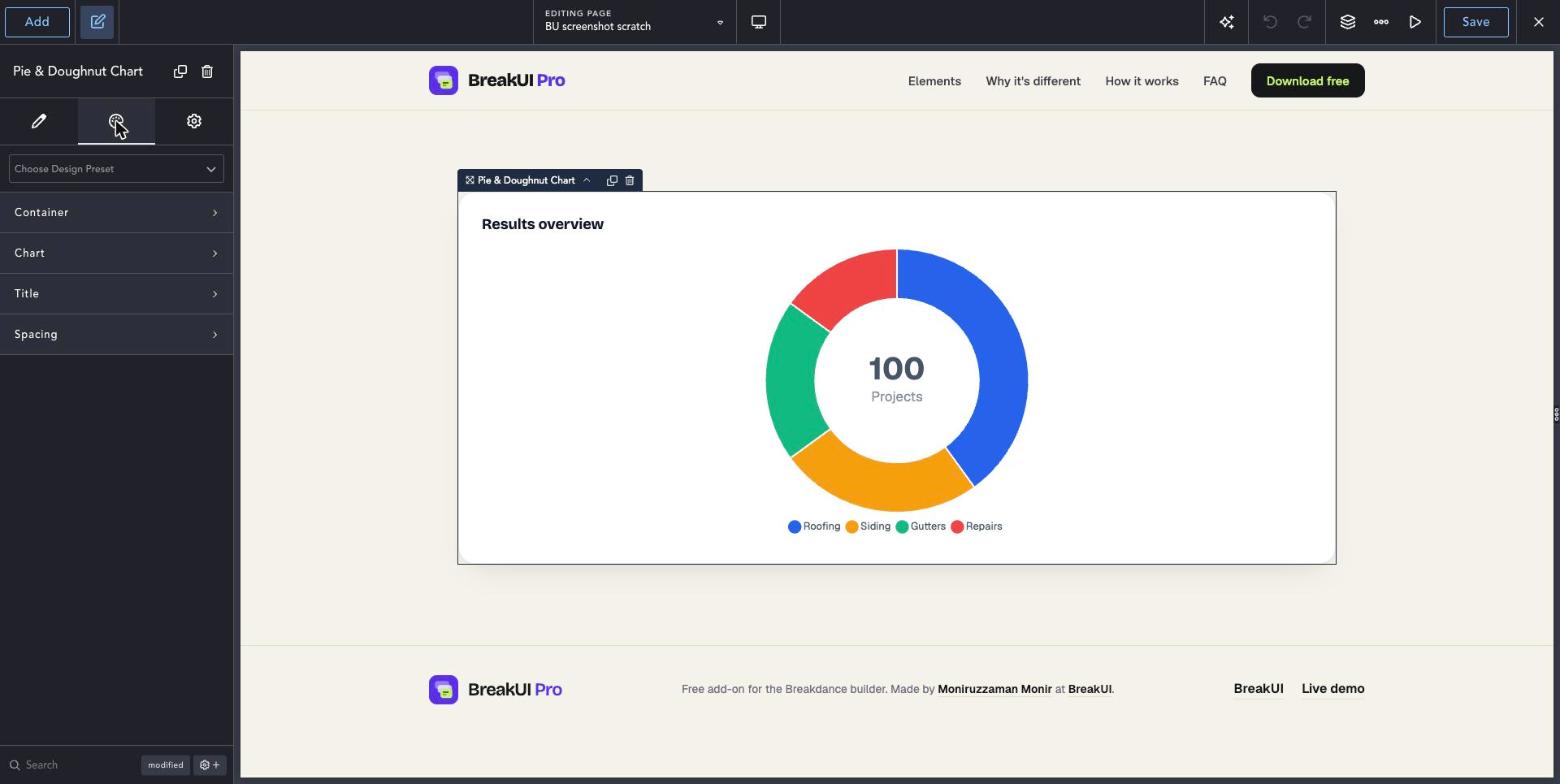
Real screenshots from the Breakdance editor. Select the element, then use the Content tab for your data and the Design tab for the look.
The main settings
Select the element in Breakdance. Everything lives in two tabs.
Your text, items, links and behavior. Change the sample content and you are done.
Colors, typography, borders, spacing and layout, with the normal Breakdance controls.
Set the width in percent, pixels, em, rem, vw or vh, plus max width, min width and alignment.
See it in action
Real renders of the element with different settings.
Results overview
| Label | Value |
|---|---|
| Roofing | 40 |
| Siding | 25 |
| Gutters | 20 |
| Repairs | 15 |
Half circle
Style it your way
The Design tab has these groups. Everything uses the normal Breakdance design controls.
Values do not have to add up to 100. The chart works out the shares.
Use Center Text for a total or a single key number.