Conversion
WhatsApp Chat for Breakdance
A floating WhatsApp button with a chat popup, pre-filled messages, online or away hours, a message box and click tracking. Free for Breakdance.
5 styles
Free
Native Breakdance element
No library needed
5 ways to style it
1Classic greenThe familiar WhatsApp look.
BreakUI SupportTypically replies in minutes
Hi there! How can we help you today?
Type a message...
Send
Chat with us
2DarkA dark popup for dark sites.
BreakUI SupportTypically replies in minutes
Hi there! How can we help you today?
Type a message...
Send
Chat with us
3Light minimalWhite header and a black button.
BreakUI SupportTypically replies in minutes
Hi there! How can we help you today?
Type a message...
Send
Chat with us
4Brand colourYour brand colour everywhere.
BreakUI SupportTypically replies in minutes
Hi there! How can we help you today?
Type a message...
Send
Chat with us
5Icon and message boxIcon-only button with a message box.
BreakUI SupportTypically replies in minutes
Hi there! How can we help you today?
Type a message...
Send
Chat with us
In the editor
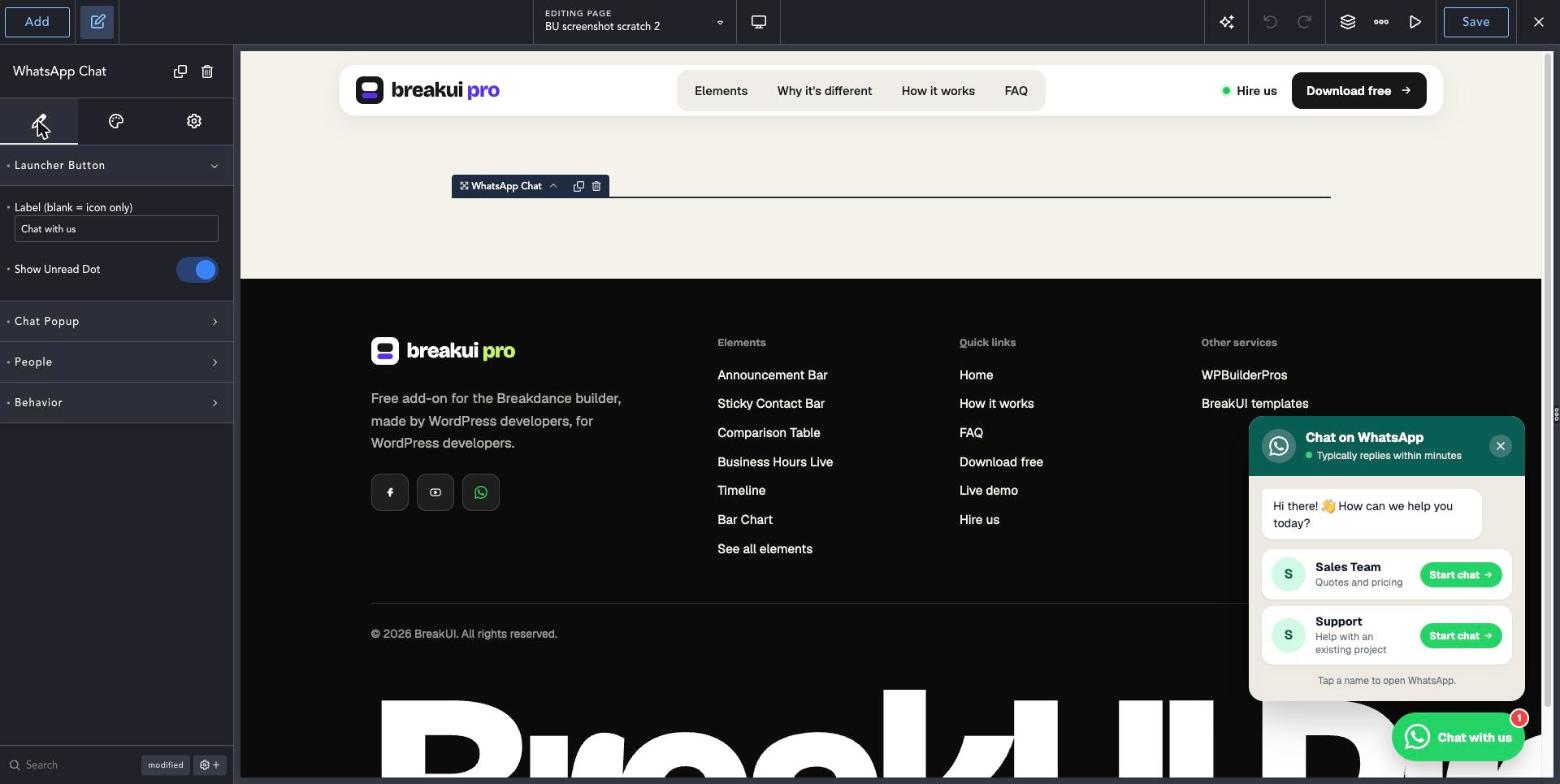
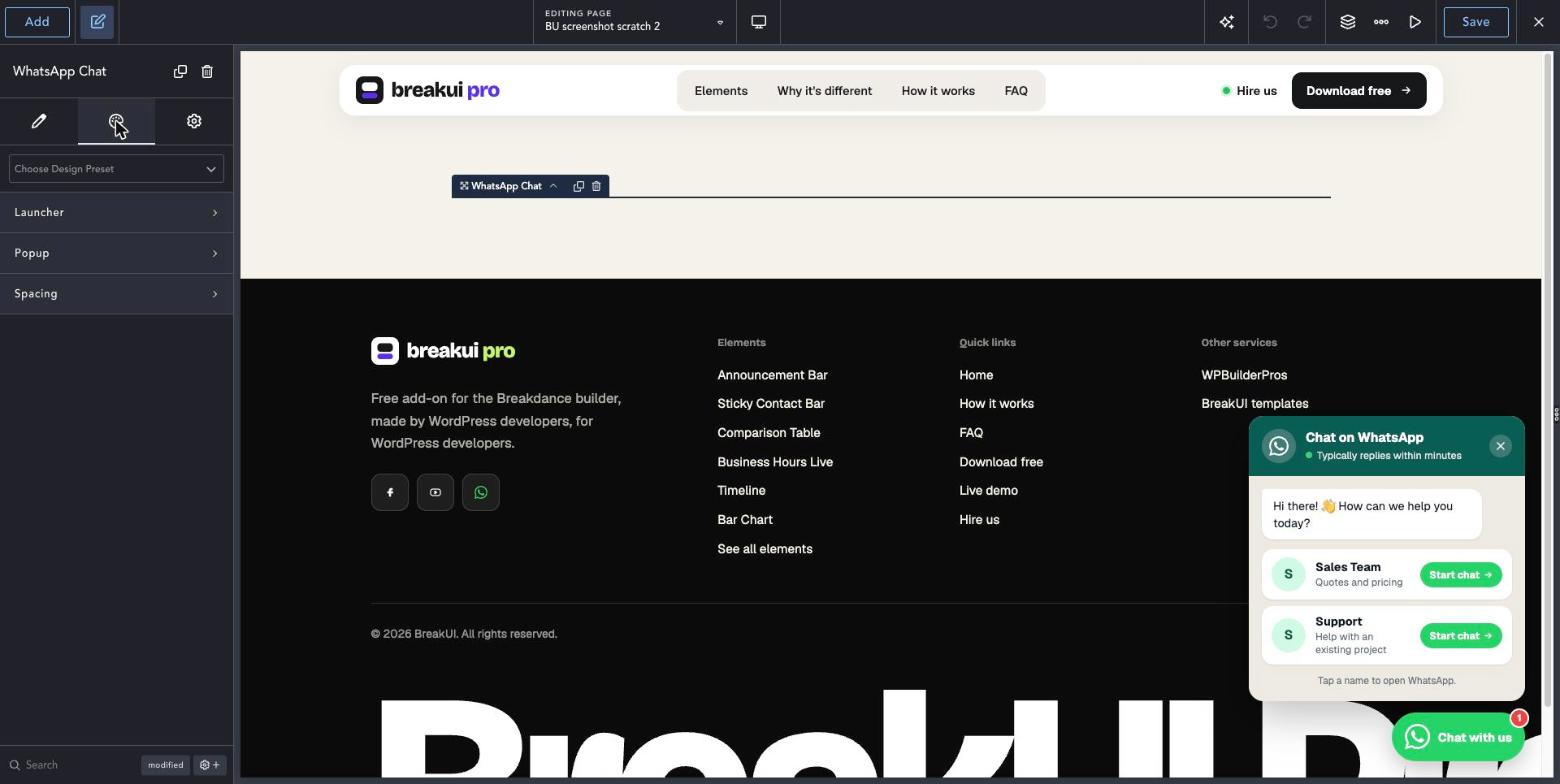
The main settings
Content tab
Your text, items, links and behavior.
Design tab
Colors, type, borders and layout.
Element Width
Percent, pixels or any unit, plus max, min and alignment.
Design
Spacing
Element Width
Get BreakUI ProFree, no account, no license key.
Download the plugin